Mac set-up
Using Finder, locate Microsoft Word in the applications directory, right click on it and select Show Package Contents
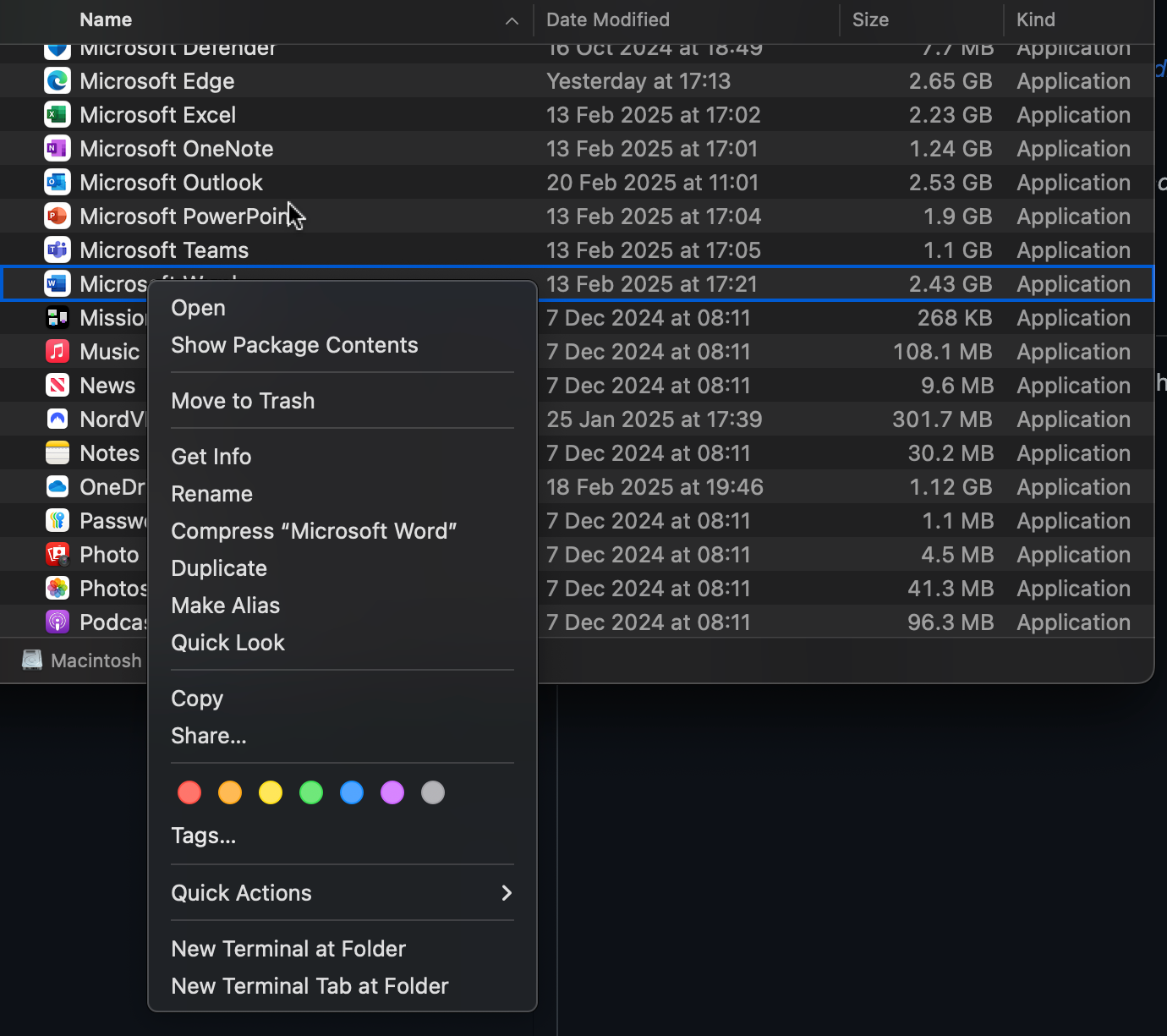
Then paste this file (HarvardUWEv2.xsl) within the
Style directory located within the Resources directory which is in the Contents directory.
The file path for the style directory should look something like this:
/Applications/Microsoft Word.app/Contents/Resources/Style
Feel free to tweak HarvardUWEv2.xsl as you want the original authors allow it.
Hope this helps someone.